
Features
One program for the whole day: the day's work, patients, the calendar, each department's own record, billing and running the clinic — with your clinic's own booking page.

Today
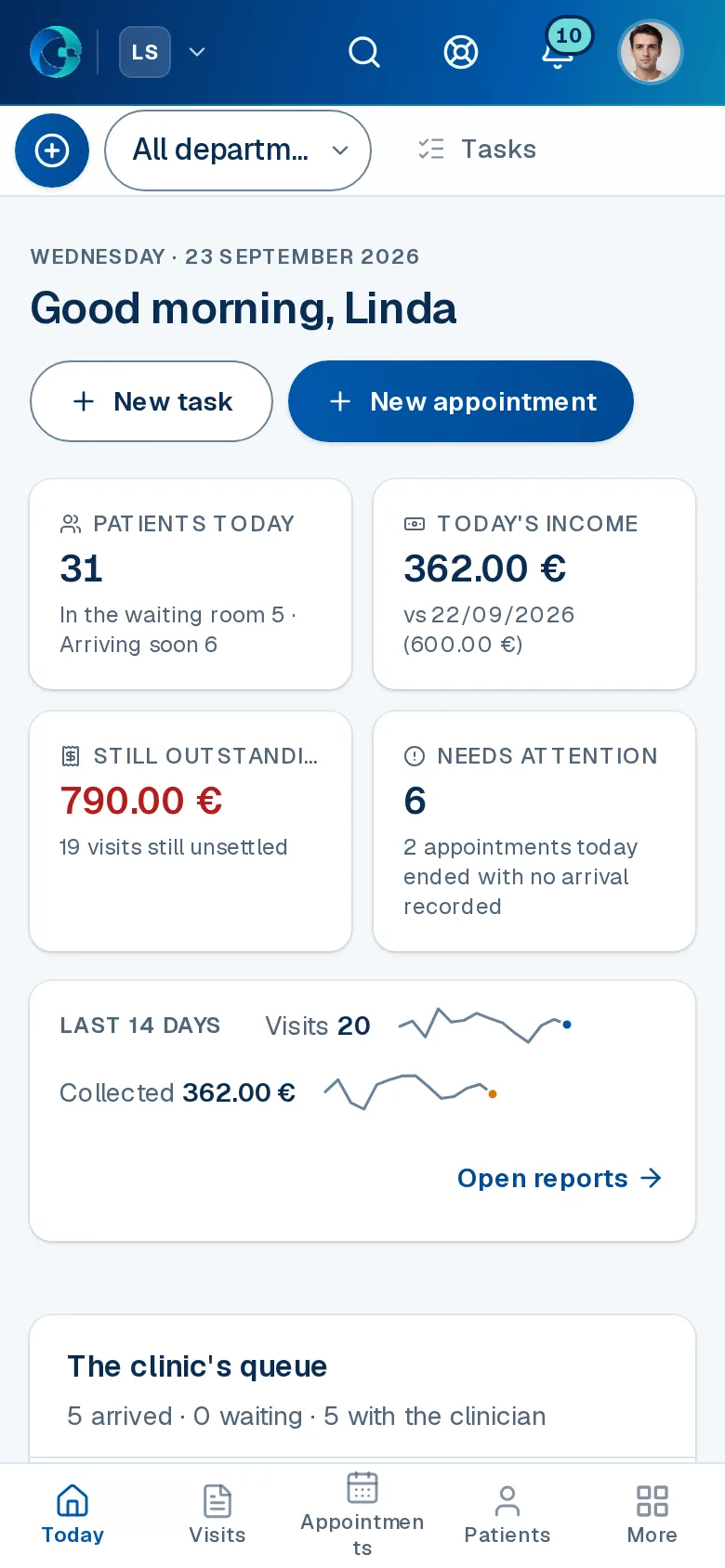
Everyone opens OPALEVI on their own day: what needs attention, who is arriving soon, their own patients, and what the day has billed and collected.
The bell brings the handovers — a patient booked in with you, added to your queue or moved to another time — and Tasks keeps the day's to-do list.
Need a hand? Ask for help sends a short message to a department, a role or a colleague, and it reaches their bell straight away.


Quick admission

Tasks

Notifications
Patients
Each patient has one file: their details, every visit and every payment, with the whole history one click away and ready to print.
OPALEVI warns you before the same person is registered twice, and finds anyone by name, code or phone.


Photos

New patient

Referrals
Calendar
The calendar shows every doctor's day side by side; book or move an appointment and the doctor is told at once.
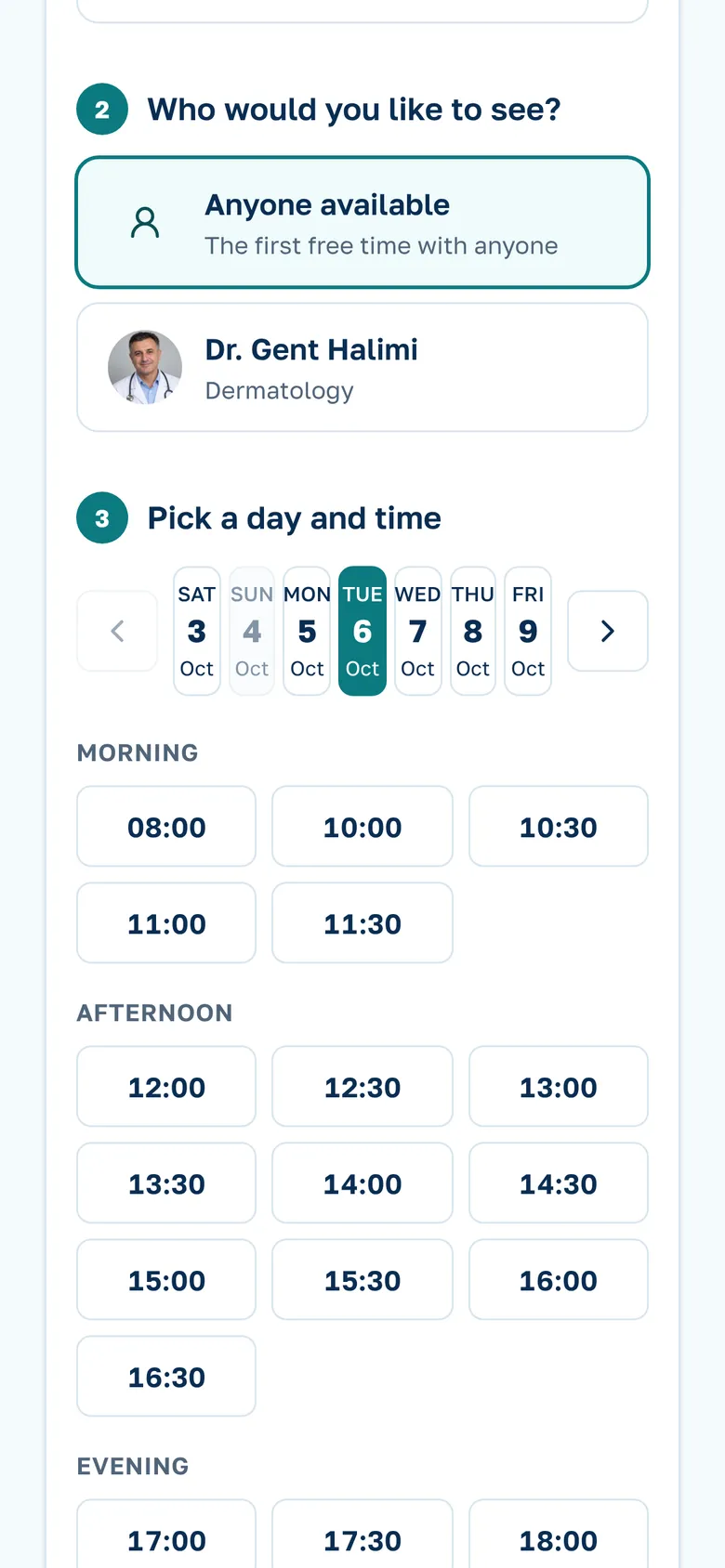
Walk-ins join the waiting list, and patients can book a free time themselves from your clinic's own page.
Each clinic keeps its own time zone, so appointments, the waiting list and the close of the day run on local time.


Requests

Book an appointment

Opening hours
Clinical work
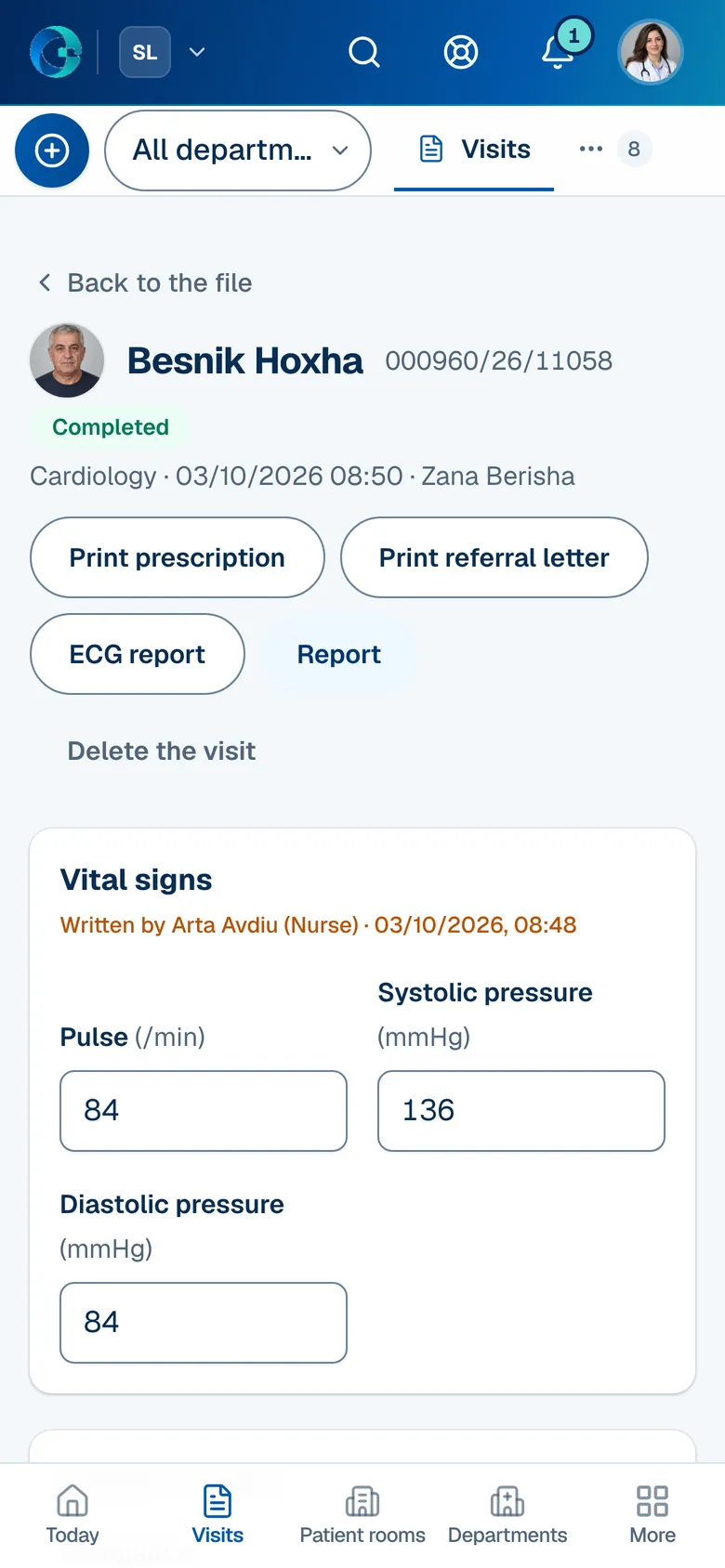
Every clinical department writes in its own record: the dental chart, the ECG, growth curves, a laboratory's reference ranges — nearly thirty of them.
Referrals between departments, workflows in progress, patient rooms and discharge notes join the menu when your clinic needs them.


Operations

Patient rooms

Discharge notes

Medication round

Lab workflow

Human anatomy
Invoicing
An invoice is made from the visit in one click, on your letterhead, with your bank's IBAN and SWIFT for payments from abroad.
Outstanding balances shows every patient who still owes the clinic, and every invoice prints or saves as a PDF.


Offers

Unpaid
Cash box
The cash box takes every payment of the day, by each payment method the clinic uses, as it happens.
At closing you count the cash; OPALEVI compares it with the till and closes the day with a Z report, any difference written on it.


Daily report

Finances
Your data stays yours
- Import patients, visits and departments from the Excel templates; OPALEVI imports what it can read and lists, row by row, what it could not.
- Export your patients and visits to a spreadsheet whenever you want, without asking us.
- Each clinic's records are kept separate, staff see only what their role allows, passwords are stored only as a hash, and every connection runs over HTTPS.
Running the clinic
Add your team and give each person a role; nurse, assistant and reception are one role, with a tick for who also works the desk. Each person sees only what their role allows.
Record what the clinic buys and spends — products, suppliers and expenses — beside what it earns.


Stock levels

Suppliers

Roles
Reports and statistics
Income month by month and by department, the ledger of every payment, all of it exportable to a spreadsheet.
The referrer commission report works out what each referrer is owed from the payments on the visits they sent.


Patients

Laboratory
Your clinic's own page
Every clinic gets its own public page — services, team, opening hours and photos that open full-size — at its own address.
Patients choose a free time and book it themselves; the booking waits in Requests for you to confirm, or goes straight into your calendar if you choose automatic confirmation.
Print the page's QR code for the reception desk and your appointment cards.


Clinic website
Book an appointment
WhatsApp and SMS to patients
Notifications with a set wording go to patients by WhatsApp, with SMS as the fallback when WhatsApp cannot reach them: a booking confirmed, changed or cancelled, the reminder the day before, and for animals the owner's reminders of vaccinations and parasite treatments.
Messages go only to patients who agreed to receive them, and each one is paid from a prepaid message balance that the clinic buys in packages.
Mobile and web access
OPALEVI opens on desktop and on the phone, so access is quick wherever you are.
Nothing to install: open OPALEVI in your phone's browser and patient information is always at hand.
Made for a working day
Search the whole practice from one box, see what waits for you, add a task in seconds, and reach every screen from the menu.

Search everywhere

Notifications

New task

Menu
The practices, people and data in these screens are fictional.
Read the guide: how to choose clinic software in 12 questions